Introduction — Why Sarathi Parivahan Sewa matters
Sarathi Parivahan Sewa is India’s government-backed digital gateway for almost every driving-licence related need. Whether you are applying for your first learner’s licence, booking a slot for the driving test, renewing an expired licence, or requesting a duplicate after loss, the Sarathi portal centralizes RTO services so people can complete most steps online. The portal reduces paperwork, speeds up tracking, and connects citizens to Regional Transport Offices across states through a unified platform.
This guide explains, step by step, how Sarathi Parivahan Sewa works, which services are available, what documents you will need, how to avoid common mistakes, and practical tips to finish your application quickly and securely.
What is Sarathi Parivahan Sewa
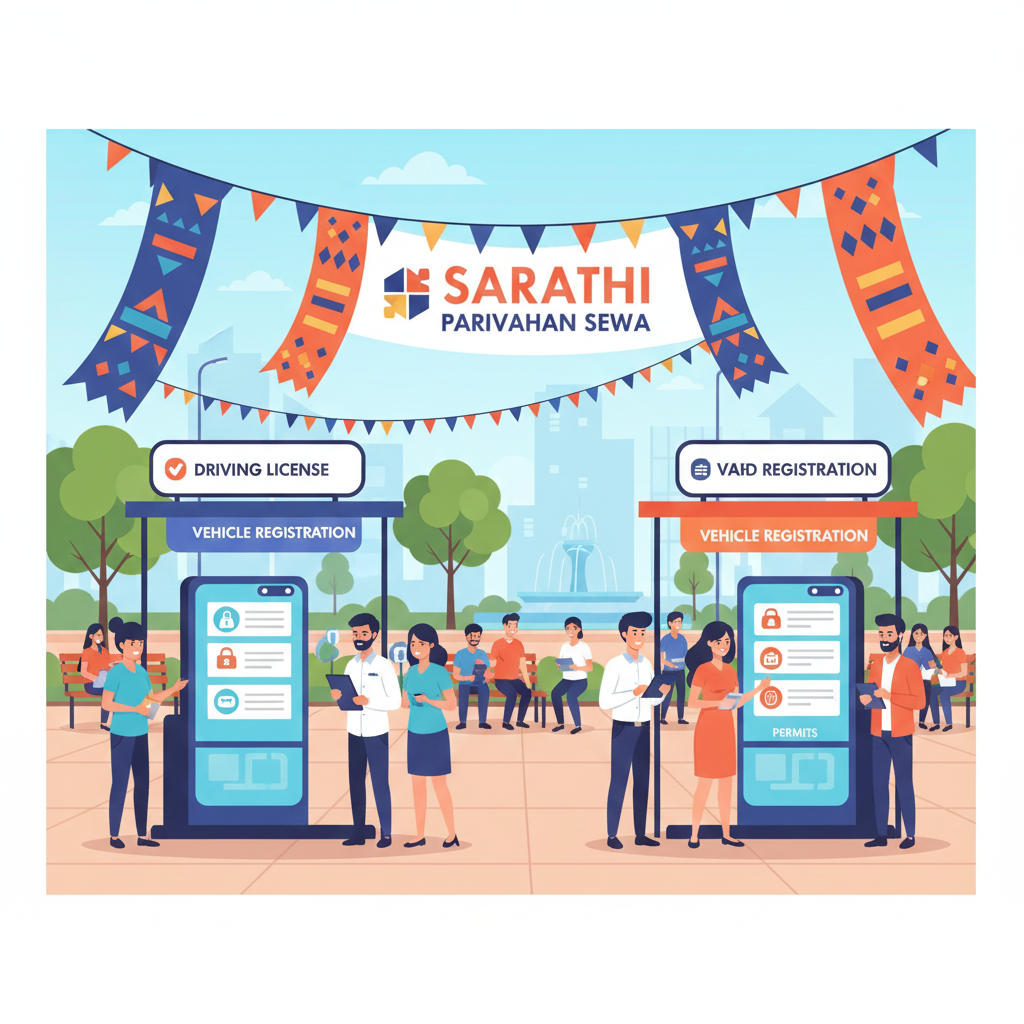
Sarathi is the specialized application within the broader Parivahan ecosystem that focuses on driver licensing functions mandated by the Motor Vehicles Act and state rules. The platform was designed to standardize licensing and registration processes, enable online payments and slot bookings, and allow inter-state verification of licence details.
Over the years, Sarathi has expanded to include appointment booking, online learner’s license tests, duplicate and renewal services, addition of vehicle classes to licences, issuance of international driving permits (IDP), and document printing.
Before Sarathi, applicants needed to visit local RTOs repeatedly and contend with different state practices. Today, much can be done from home: submit applications, pay fees, print e-forms, and track status online.
Key Features and Services
- Learner’s licence application and online learner licence test (LL test) with tutorial material and slot booking.
- Driving licence application for new licence after passing the driving test.
- Renewal of driving licence with online status checking.
- Duplicate driving licence issuance for lost or damaged licences.
- Change of address, endorsement of additional vehicle classes, and other licence modifications.
- Appointment bookings for driving tests and RTO visits; online fee payments; form printing and application tracking.
Each of these services is implemented to reduce in-person trips and make the rules and forms uniform across states. Official documentation and forms are available directly within the portal.
How to use Sarathi Parivahan Sewa — A practical walkthrough
A. Applying for a Learner’s Licence
- Visit the Sarathi portal, select your state, then choose “Learner’s Licence” and start a new LL application.
- Fill personal details, upload documents & photo, and choose the vehicle class (MCWG, LMV, etc.).
- Pay fees online via the integrated gateway and book an LL test slot, if required.
- Take the LL test (if applicable). On passing, download/print the learner’s licence (Form 3) from your account.
- Expect SMS/email confirmation and a tracking number to check application status later.
B. Converting a Learner’s Licence to a Driving Licence
- Book a driving test slot from your Sarathi account — ensure the minimum learner period (state-specific) is satisfied.
- Arrive at RTO on appointment day with original documents and your learner’s licence (some states may pilot video/online tests — check appointment note).
- After passing, RTO processes issuance; e-version can be printed from Sarathi and the physical card is dispatched per state practice.
C. Renewing or Replacing a Driving Licence — Process & Required Documents
To renew or request a duplicate DL, start the relevant Sarathi service, complete the form, upload documents and pay fees. Below is a concise table of commonly required documents (state rules may vary — always confirm on Sarathi before you start).
| Document | Why it’s needed | Notes |
|---|---|---|
|
Proof of identity (Aadhaar, passport, voter ID, PAN)
|
Used to verify identity during issuance or renewal | Prefer Aadhaar for OTP flows; keep mobile updated |
|
Proof of age (birth certificate, passport)
|
Confirms eligibility (minimum age rules) | Usually required for new LL or certain endorsements |
|
Proof of address (utility bill, Aadhaar, voter card)
|
Used for dispatching physical cards & correspondence | Must be recent in many states (30–90 days) |
|
Passport-size photograph(s)
|
Photo printed on licence / stored in record | Follow Sarathi specs (size, background) |
|
Existing licence (for renewals/endorsements)
|
Proof of previous entitlement to drive | Scan front/back clearly for duplicate requests |
|
Medical certificate (Form 1A) when required
|
Required for applicants above certain ages / commercial licences | Get from registered medical practitioner as per instructions |
Note: Always download the exact forms and instructions for your state from the Sarathi portal before starting — requirements can differ in small but important ways.
Complete Guide to Sarathi Parivahan Sewa
Fees and payment options
Pay securely on Sarathi via debit/credit cards, net banking, UPI, and state payment gateways. Fees vary by state — confirm on the official portal. Always check payment status before re-submitting.
Appointment booking & test slots
- Pick RTOs with earlier slots for faster processing.
- Double-check date/time — reschedule rules vary by state.
- Arrive early with originals and acknowledgement receipt.
- Portal/SMS notifies if slots are canceled due to updates/holidays.
Security, privacy & avoiding scams
Stay safe while using Sarathi Parivahan Sewa:
- Always use the official Sarathi/Parivahan URLs.
- Do not trust random WhatsApp/Telegram messages.
- Avoid rogue apps — cross-check on Play Store/App Store.
- Never share OTPs or credentials; staff will never ask.
Common errors & troubleshooting
- Mismatched personal details → ensure IDs match exactly.
- Low-quality uploads → scan clearly and follow size rules.
- Payment errors → use “check payment status” instead of repaying instantly.
- Persistent issues → contact helpdesk with transaction number.
State-specific variations
Processing times, medical rules, and documents differ by state. Always read on-screen state instructions and cross-check official transport pages before applying.
Practical tips for smooth use
- Prepare clear PDF/JPEG files of documents.
- Use updated browsers & strong internet.
- Keep Aadhaar-mobile linked for eKYC flows.
- Take screenshots of confirmations and receipts.
- Carry multiple document copies if a physical visit is needed.
Accessibility & support
Sarathi provides help text, LL test tutorials, pending application options, and “forgot password” recovery. For state-level support, use the contact details on Parivahan.
Real-world use cases
- Student applying for learner’s licence from home.
- Professional renewing licence while living out of state.
- Motorist quickly replacing lost licence via duplicate DL flow.
SEO best practice pointers
- Use sarathi parivahan sewa in title + intro.
- Add LSI terms: learner licence, DL status, renewal, forms.
- Organize into H2/H3 answering user intents.
- Link only to official Parivahan/Sarathi pages.
Recent updates
Always confirm the latest fee schedules, pilot programs, and announcements on the official Parivahan/Sarathi portals. Notices and downloadable forms are published regularly.