Introduction to Parivahan Sewa Rajasthan
Parivahan Sewa Rajasthan has transformed how vehicle owners, drivers, and citizens interact with Regional Transport Offices (RTOs). Built on the central Parivahan digital platform (Vahan + Sarathi), it provides a single gateway for vehicle registration, driving license services, e-challan payments, tax submissions, fitness certificates, and more.
What is Parivahan Sewa and Why It Matters in Rajasthan
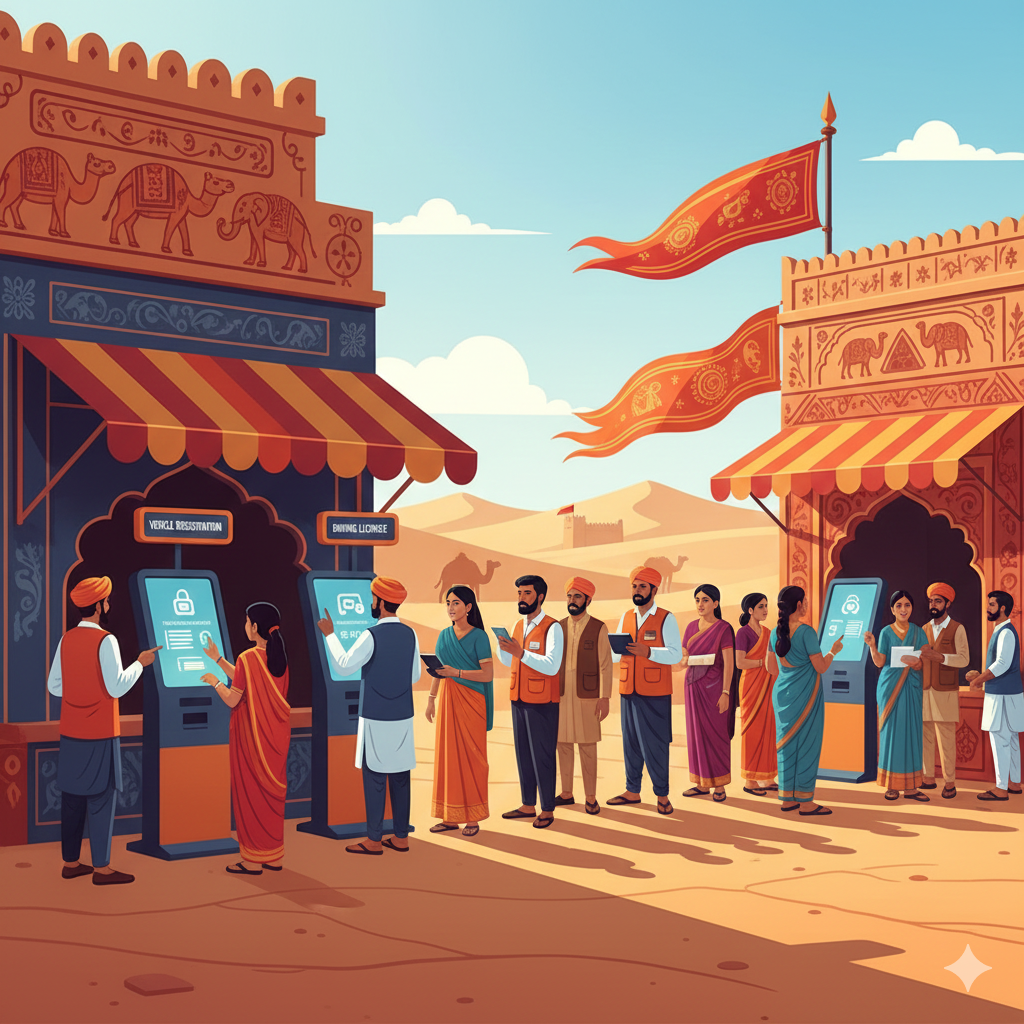
Parivahan Sewa is the Government of India’s e-governance initiative for road transport. It integrates Vahan (vehicle services) and Sarathi (driver services) to offer Rajasthan residents a seamless digital experience.
- Less paperwork & fewer physical RTO visits
- Quick online status checks for applications
- Online fee payments & appointment booking
- Access to digital copies of DL and RC
Vahan Module (Vehicle Services)
Handles registrations, transfers, permits, road tax, fitness certificates, and all services related to vehicles.
Sarathi Module (Driver Services)
Covers the entire driver lifecycle: learner’s license, driving tests, license issuance, renewals, and record verification.
How to Access Parivahan Sewa in Rajasthan
- Visit the official Parivahan portal or use the mParivahan app.
- Select Rajasthan as your state and choose your RTO.
- Enter required details (vehicle number, DL number, chassis number, or DOB).
- Upload documents, pay fees online, and book appointments if needed.
Popular Services Offered under Parivahan Sewa Rajasthan
Vehicle Registration
Apply for new RCs, duplicate certificates, address changes, hypothecation updates, and NOCs for transfers.
Driving License Services
From learner’s license to international permits—book tests, upload documents, renew, and track DL status online.
e-Challan & Traffic Compliance
Check outstanding fines, settle challans via secure gateways, and update compliance records instantly.
PUC & Fitness Certificates
Submit PUC records and schedule fitness inspections for commercial vehicles online.
Tax Payments
Pay road tax, temporary tax, and statutory fees digitally. Download and store official receipts.
Parivahan Sewa Rajasthan – Complete Guide
Parivahan Sewa Rajasthan simplifies vehicle registration, driving license, challan payments, permits, and other transport services. This section provides step-by-step guides, practical checklists, FAQs, and best practices for Rajasthan residents.
Step-by-step: Registering a Vehicle
- Begin on the Vahan section of Parivahan portal, select Rajasthan & relevant RTO.
- Fill the online form with owner, vehicle, and insurance details.
- Upload required documents (ID, address, insurance, invoice, permits if any).
- Pay fees & taxes securely via the payment gateway.
- Schedule a vehicle verification appointment at RTO/dealer point.
- Visit RTO with originals for verification; RC & number issued after approval.
Pro Tip: Keep scans in same orientation (PDF/JPG). Ensure engine & chassis numbers match.
Step-by-step: Applying for a Driving Licence
- Create application on Parivahan Sarathi → select Rajasthan.
- Upload ID proof, photo, and learner’s application (if new).
- Book slot for learner’s/permanent DL test, pay fees online.
- Attend RTO test → on passing, licence is issued (digital copy often available).
Insider Tip: Practice driving skills. Bring medical certificate for commercial DL.
Status Tracking & Digital Documents
Use the Parivahan portal to check RC/DL status with reference numbers. After issuance, digital RC/DL can be printed or shown via mParivahan and DigiLocker.
Common Errors & How to Avoid
- Incorrect chassis/engine number.
- Uploading blurred/incomplete documents.
- Unregistered mobile number for OTP.
- Not carrying originals to RTO visit.
Always double-check data, ensure active mobile for OTP, and keep file sizes within limits.
Special Cases: Ownership Transfer & NOC
Selling a vehicle in Rajasthan requires transfer of ownership online or at RTO. For interstate moves, apply for No Objection Certificate (NOC). Hypothecation records must be closed/transferred.
Fees, Receipts, Refunds
| Service | Fee Range | Receipt |
|---|---|---|
| New Vehicle Registration | ₹600 – ₹1,500 + Tax | Download after payment |
| Driving Licence (Learner + Permanent) | ₹200 – ₹500 | Auto-generated |
| Duplicate RC/DL | ₹150 – ₹300 | Available instantly |
Checklist Before RTO Visit
- Original ID & address proofs + photocopies
- Printout of online application + payment receipt
- Vehicle insurance & tax receipts
- Invoice/sale certificate for new vehicles
- Lender NOC or hypothecation clearance
Frequently Answered Statements
How to check DL application status
Use Sarathi status page → enter DL/app number + DOB → view progress.
How to retrieve duplicate RC/DL
Apply on Vahan/Sarathi → upload proofs → pay fee → download after approval.
How to pay road tax online
Select tax payment on Vahan Rajasthan → enter details → pay → download receipt.
How to apply for interstate NOC
Start NOC workflow → submit docs + lender clearance → RTO verification → issue NOC.
How to check & pay e-challan
Use e-challan module → enter vehicle/challan number → pay online securely.
Final Thoughts
Parivahan Sewa Rajasthan is a modern, practical solution for vehicle owners and drivers. Always use official portals, double-check data, keep receipts, and clear compliance issues early. For the latest updates, refer to Rajasthan Transport Department’s official notices.