Parivahan Sewa Punjab — Complete Guide
Introduction: Why Parivahan Sewa Punjab matters now
Digital government services have transformed how citizens interact with transport authorities. For Punjab residents, Parivahan Sewa Punjab is the gateway to online vehicle and driver services — from registering a new bike to paying a challan or applying for a permit. It integrates central MoRTH applications (VAHAN for vehicles, SARATHI for licences) with Punjab Transport Department workflows, reducing queues, speeding up processing, and ensuring transparency.
What is Parivahan Sewa Punjab?
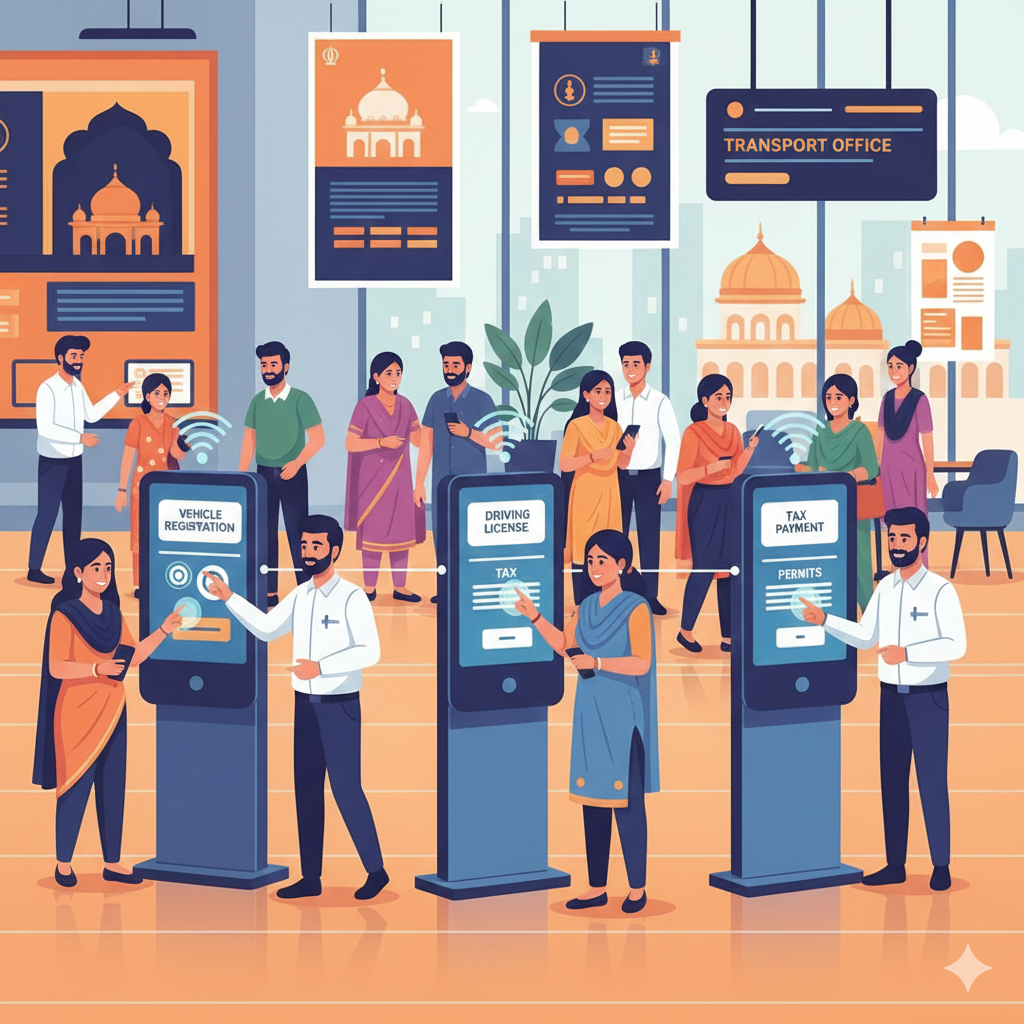
Parivahan Sewa Punjab is not a separate website, but a set of Punjab-specific services available through the national Parivahan platform. VAHAN handles vehicle services (registration, RC, permits, fitness), while SARATHI covers licence services (learner, permanent, renewals). The Punjab state transport and DTO/RTO portals integrate with these systems to ensure compliance with regional rules and fee structures.
Key services available in Punjab
- Vehicle services (VAHAN): registration (new/temporary), renewal, ownership transfer, duplicate RC, hypothecation, NOC, fitness certification, address change.
- Licence services (SARATHI): learner’s licence, driving tests, permanent licence, renewals, endorsements, licence status checks.
- Enforcement & payments: view/pay traffic challans via eChallan, check offence history.
- Permits: route, national, stage carriage, and contract carriage permits.
- PUC compliance: upload and verify Pollution Under Control certificates.
How Parivahan Sewa Punjab helps citizens
- Track application status online — no need to visit the RTO.
- Make secure payments for tax, fees, and challans with instant receipts.
- Book driving tests and RTO slots to save time.
- Download e-documents (e-RC, e-DL) often valid as proof.
- Check vehicle history before buying a used car.
Step-by-step: Using Parivahan Sewa Punjab
Apply for learner & driving licence (SARATHI flow)
- Visit the SARATHI portal and select Punjab.
- Fill in learner licence application, upload photo and documents.
- Book slot and pay fee online.
- After learning period, apply for driving licence and book test slot.
- Appear at RTO with originals; upon passing test, licence is issued.
Register a new vehicle (VAHAN flow)
- Visit VAHAN citizen services and choose Punjab + your RTO.
- Fill new registration application (dealers often upload data).
- Upload invoice, insurance, PUC, address proof.
- Pay registration fee and road tax online.
- Temporary registration may be issued; permanent RC is later delivered or available online as e-RC.
Transfer ownership & RC tasks
Use VAHAN to apply for ownership transfer, duplicate RC, address change, or hypothecation updates. Upload buyer/seller declarations, required documents, and pay transfer fees. Timelines vary by RTO — Punjab publishes service timelines under Right-to-Service guidelines.
Parivahan Sewa Punjab — Key Services & Guidance
Check and Pay an eChallan
- Go to the eChallan page on Parivahan’s portal.
- Enter vehicle number or challan number to retrieve details.
- Verify the offence and pay the fine online using the secure gateway.
- Keep the transaction receipt; the paid status updates in enforcement records.
Fees, Payments and Receipts — What to Expect
Fees on Parivahan Sewa Punjab depend on service type and vehicle class. Expect line items for application fees, road tax, registration charges, and permit fees. Payments are made securely online, and e-receipts with transaction IDs are issued instantly. Always save receipts for disputes or follow-ups.
Practical Tips to Avoid Mistakes
- Use clear scanned documents (JPEG/PDF) — poor scans cause rejection.
- Match name and address exactly across ID proof and application forms.
- Keep insurance and PUC valid before applying.
- Select the correct RTO for your jurisdiction.
- Reach early for RTO appointments with originals.
- Track your application status and keep acknowledgement numbers handy.
Punjab-Specific Considerations
Punjab is digitizing RTO operations under the Right to Service Act with published timelines. Pilots are expanding online services statewide. Local RTA and DTO offices still handle permits, but most workflows now run through VAHAN and SARATHI systems.
Security and Privacy
Parivahan portals use encryption for payments and data transfer. Avoid public Wi-Fi for payments and ensure you’re on parivahan.gov.in. If you notice unauthorized activity, contact the RTO immediately and use grievance features on the portal.
Common Errors and Fixes
- Document mismatch: Reupload with correct names and dates.
- Payment failure: Retry with OTP; check for reversal in bank statement.
- Application stuck: Track via VAHAN/SARATHI; escalate if delays exceed timelines.
- Challan dispute: Gather evidence and follow the eChallan dispute procedure.
Dealers & Transport Businesses
Vehicle dealers use the VAHAN dealer module to register vehicles and upload invoices in bulk. Transport companies manage route permits, national permits, and fitness renewals digitally. Fleet operators integrate Parivahan with reminders to keep taxes and permits up to date.
Parivahan Sewa Punjab — Enforcement, SEO & Resources
How Parivahan Sewa Punjab Supports Enforcement & Road Safety
Integrated enforcement tools like eChallan and fitness checks help authorities track non-compliant vehicles and repeat offenders. Punjab is piloting digitized test tracks and automated evaluations to standardize driving tests and reduce subjectivity. Data collected through Parivahan supports policy and safety analysis, enabling campaigns to reduce violations and plan infrastructure upgrades. Automated test tracks highlight the state’s focus on objective testing and road safety.
SEO Checklist for “Parivahan Sewa Punjab” Pages
- Page title: Include keyword early (e.g., “Parivahan Sewa Punjab — VAHAN & SARATHI Guide 2025”).
- Meta description: Short benefit statement + CTA (under 160 chars).
- URL slug: /parivahan-sewa-punjab or /parivahan-punjab-guide.
- H1 header: Exact keyword once.
- H2s: Cover intent topics — “how to”, “fees”, “check status”, “pay challan”, “FAQs”.
- Content depth: 2,000–4,000 words, workflows, documents, timelines, troubleshooting.
- Internal links: Link to Punjab Transport Dept. + Parivahan VAHAN/SARATHI.
- Structured data: FAQ schema (JSON-LD).
- Image alt text: Use variations like “Parivahan Sewa Punjab portal screenshot”.
- Page speed & mobile: Optimize load times for phones.
- Trust signals: Link to official notices and parivahan.gov.in.
Useful Official Links & Resources
- Parivahan: VAHAN & SARATHI citizen services (registrations & licences).
- eChallan Portal: Check & pay traffic fines.
- Punjab Transport Department: Forms and state transport notices.
⚠️ Always use official domains (parivahan.gov.in, Punjab Transport portals). Avoid third-party aggregators that may mirror content.
Parivahan Sewa Punjab — Timelines, SEO, FAQs & Resources
Real-world timeline — what to expect after applying
- Learner licence issuance: same day or a few days.
- Driving licence (after test): same day or a few weeks.
- New vehicle registration: dealer-assisted fast, permanent RC takes days–weeks.
- Transfer of ownership: verification-driven, ~7–21 days.
- Challan payment: immediate on success; record updates in ~1 day.
Punjab’s Right to Service norms define expected turnaround times. If exceeded, use citizen grievance escalation.
Accessibility — support for non-tech users
Punjab still runs RTO counters, assisted kiosks and DTO help desks for those less comfortable with online systems. Family members or certified agents can assist with digital submissions. Elderly or digitally excluded citizens can rely on public counters while literacy improves.
Troubleshooting and escalation
- Save acknowledgement/application numbers immediately.
- Track status on VAHAN or SARATHI portals.
- For payments, contact gateway with bank reference.
- Use Punjab Transport’s grievance form if timelines lapse.
- As last resort, escalate via district transport officials or RTS channels.
Content plan ideas for websites
- Pillar page: “Parivahan Sewa Punjab — Complete Citizen Guide”.
- Cluster guides: step-by-step workflows per service.
- Local RTO/DTO jurisdiction pages with contacts & timelines.
- Troubleshooting articles for payment/doc issues.
- News updates on digitization rollouts & pilot programs.
Example SEO meta elements
Title: Parivahan Sewa Punjab — VAHAN & SARATHI Guide, Fees, Steps (2025)
Meta description: Step-by-step guide to Parivahan Sewa Punjab: apply for licences, register vehicles, pay eChallans and track status.
H1: Parivahan Sewa Punjab — Complete Guide for 2025
Slug: /parivahan-sewa-punjab
Local SEO and schema suggestions
- Add LocalBusiness/GovernmentOrganization Schema with RTO addresses.
- Implement FAQ schema with declarative entries.
- Add breadcrumb schema & structured data for services.
FAQs — declarative style
How to check driving licence status in Punjab
Use the SARATHI DL status page with DL number and DOB. Parivahan
How to pay a traffic challan from Parivahan Sewa Punjab
Retrieve challan via eChallan portal, pay online, download receipt. eChallan
How to apply for vehicle registration online in Punjab
Use VAHAN citizen services, select Punjab, upload documents and pay fees. Parivahan
How to transfer ownership of a vehicle in Punjab
Apply in VAHAN with seller/buyer info, NOC, sale invoice, pay fees, and track status. Parivahan
How Punjab is digitizing RTO services
Punjab transport is rolling out online RTO services and automated driving test tracks. The Times of India
Final checklist for citizens
- Ensure scans are clear and under size limits.
- Carry originals for RTO verification.
- Verify RTO selection and spellings.
- Save acknowledgement numbers and receipts.
- Escalate if timelines exceed norms.
Closing thoughts
Parivahan Sewa Punjab integrates national systems with state administration. With digitization accelerating, citizens can expect faster services and more transparency. Always rely on official portals and Punjab Transport Department updates for accurate, current procedures.
Sources & References
- Parivahan — VAHAN & SARATHI services. Parivahan
- VAHAN state portal (Punjab) for vehicle services. VahanParivahan
- eChallan portal — pay fines online. eChallan
- Punjab Transport Department — official forms & notices. Punjab Transport
- Times of India coverage — Punjab digitization & pilot programs. The Times of India