Parivahan Sewa Bihar — Complete Guide to Online RTO Services, Step-by-Step Processes, and Practical Tips
Parivahan Sewa Bihar is the online gateway that connects Bihar citizens to vehicle- and driver-related services offered by the national Parivahan platform (VAHAN and SARATHI) and the Bihar Transport Department. This guide unpacks everything you need to know: which services are available, how to use them correctly, how to avoid common mistakes, and real-world tips to speed up applications for driving licences, vehicle registration, renewal, e-challans, and more.
Why Parivahan Sewa matters for Bihar vehicle owners and drivers
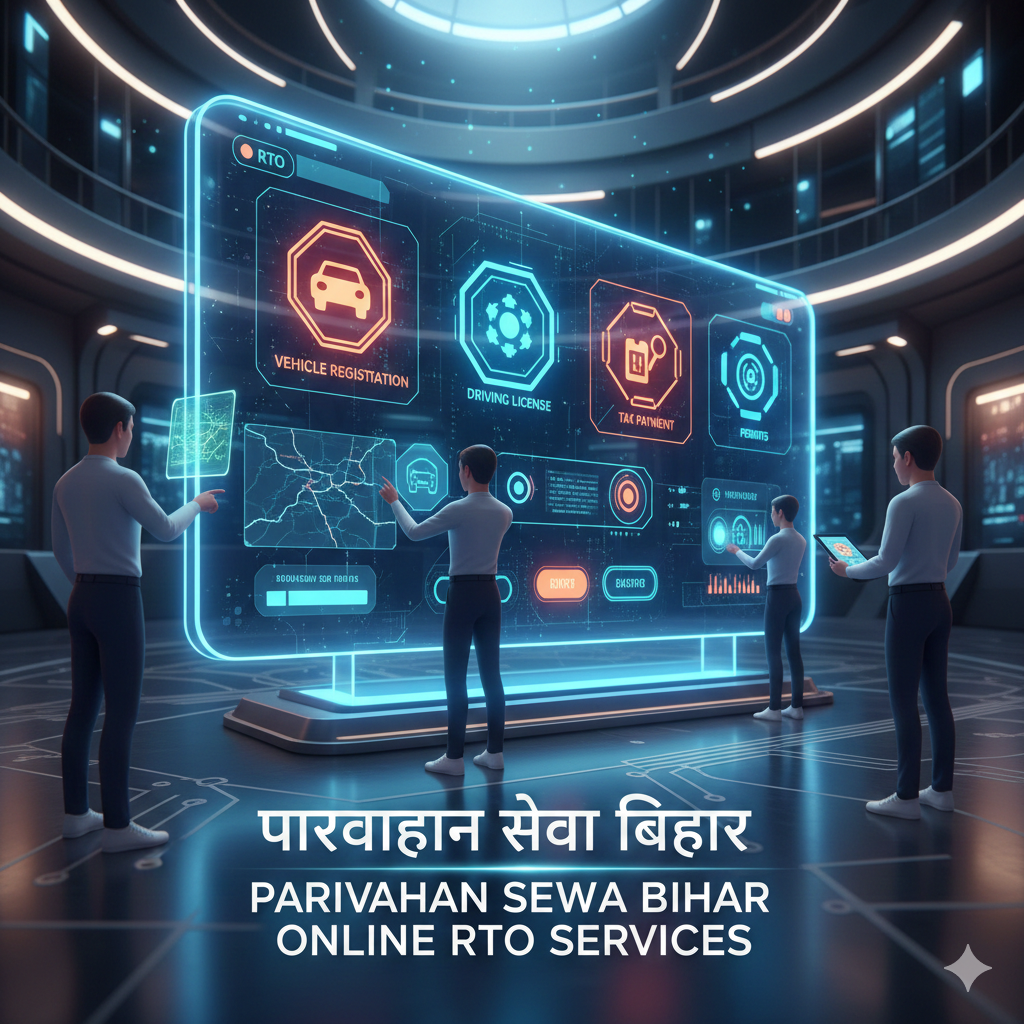
Parivahan Sewa is the unified e-governance platform that brings RTO services online: vehicle registration (RC), driving licence issuance and renewal (DL), e-challan status and payment, fitness certificates, ownership transfer, and much more. For Bihar residents, these services are available via the national Parivahan portal and state RTO interfaces, saving time and reducing in-person visits to Regional Transport Offices (RTOs).
At-a-glance: Key services available for Bihar users
- Vehicle registration: New registration, temporary registration, fancy numbers, duplicate RC, and re-registration.
- Driving licence: Learner licence application, slot booking, new licences, renewals, and duplicate licences.
- e-Challan: View challan details, pay fines online, and track payment status.
- Ownership transfer and NOC: Transfer ownership within or across states, obtain NOC as required.
- Fitness and permits: Fitness certificates for commercial vehicles, national/regional permits.
How to access Parivahan Sewa Bihar — portals and apps
- VAHAN — vehicle related services (registration, RC, tax, fitness, ownership transfer).
- SARATHI — driving licence services: apply for LL, schedule tests, renew DLs, check status.
- mParivahan / mobile apps — access e-RC, e-DL, vehicle details, and verification on the go.
Tip: Bookmark official Parivahan pages or Bihar RTO links to avoid fake portals.
Step-by-step: Applying for a driving licence in Bihar
- Create an account or log in at Sarathi; select “Bihar” as your state.
- Choose the service: Learner Licence (LL) or Driving Licence (DL). Fill the application form and upload required documents.
- Pay fees online and save the receipt reference.
- Book an appointment slot for the test and attend with originals for verification.
- After clearing the test, track status online; e-DL may be available sooner than the physical card.
Common pitfalls: mismatched names, low-resolution photos, or missing documents.
Step-by-step: Registering a new vehicle in Bihar
- Visit VAHAN and navigate to vehicle registration.
- Choose “New Registration” and fill owner, vehicle, and dealer details. Upload required documents.
- Pay registration fees and road tax online. Select the correct RTO.
- Book inspection or appointment if needed. After verification, RC or e-RC is generated.
Pro tip: Keep originals like invoice, insurance, PAN/Form 60, and address proof handy.
Paying and checking e-Challan status in Bihar
Traffic challans are displayed on the e-Challan system. Look up challan details by vehicle number, DL number, or challan number and pay online. Save receipts for dispute resolution.
Ownership transfer and NOC processes
Both buyer and seller must complete ownership transfer through VAHAN with documents such as RC, insurance, PUC, ID proofs, sale deed, and PAN/Form 60. Inter-state transfers may require an NOC.
Renewals, duplicate certificates, and address changes
- Renew DL: Apply online before expiry, upload docs, pay fees, track status.
- Duplicate DL / RC: Apply online with affidavits and proofs.
- Address change: Update records online to ensure communication and renewals reach you.
Bihar-specific considerations
Bihar’s transport department provides state-specific rules, RTO listings, and local notices. For services like commercial permits or local taxes, extra forms or offline steps may apply.
Common rejection reasons and how to avoid them
- Incorrect or incomplete documents.
- Wrong RTO selection.
- Photo or signature not matching guidelines.
- Payment mismatches or failed transactions.
mParivahan and e-documents
The app and portals issue e-RC and e-DL which are legally recognized with QR codes. Carry them digitally, but keep originals accessible for verification when required.
Checklist: documents typically required
- Driving Licence: ID proof, address proof, photo, medical certificate (if needed), learner licence, fee receipt.
- Vehicle Registration: Dealer invoice, insurance, PUC, PAN/Form 60, chassis/engine numbers, fee receipt.
- Ownership Transfer: RC, insurance, sale deed, PAN/Form 60, buyer and seller ID proofs.
Case study: Ramesh in Patna
Ramesh bought a used car in Patna. He verified the RC, obtained the seller’s documents, applied online for transfer, paid the fee, and visited the RTO once for verification. Parivahan saved him multiple visits and streamlined the process.
Final recommendations
- Always use official domains and portals.
- Scan documents clearly and keep originals ready.
- Book appointments and track status online.
- Save payment receipts, transaction IDs, and application numbers.
FAQ — quick answers
- How to check driving licence status in Bihar: Use the DL status checker with DL number and date of birth.
- Where to apply for vehicle registration: Use VAHAN and select Bihar RTO jurisdiction.
- How to pay an e-Challan: Use the e-Challan portal, search by vehicle or challan number, and pay online.
- Who to contact for technical support: Use the official Parivahan helpdesk numbers and email.
- Is mParivahan accepted: Yes, e-RC and e-DL with QR codes are valid for verification.
Closing summary
Parivahan Sewa Bihar combines VAHAN and SARATHI systems with state transport services. Citizens can apply for licences, register vehicles, pay challans, and more — mostly online. With proper preparation, official portals, and correct documents, processes become smoother and faster.